
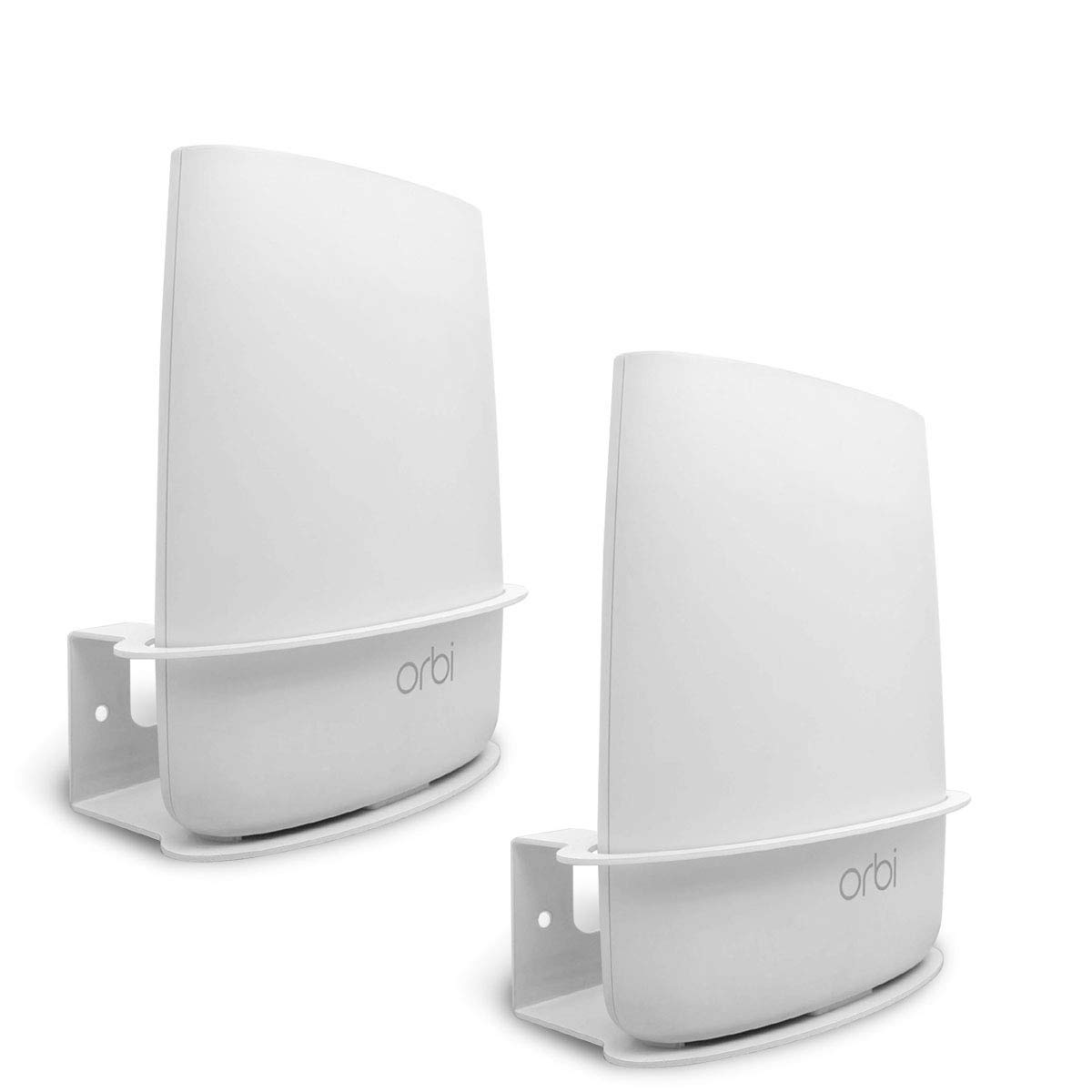
Orbi RBK40 Router
Amazon India leads (the product page when we have it, otherwise an Amazon search), followed by verified trusted-store links (Flipkart, official brand stores, Croma, Reliance Digital, HealthKart, Nutrabay, …). Affiliate links - we may earn a small commission at no extra cost to you. How this works.
What people loved
-
“Both the netgear orbi 870 and 970 are good. If you’re spending that much though might aswell get tri-band”
-
“… [truncated] … with just two nodes at each end of the home and it was significantly better. I was getting speeds higher than was advertised by the ISP. However right after the year one of the satellite notes gave out and Orbi… [truncated] …”
-
“I’ve been using a Netgear Orbi RBE771 for a year and have had zero issues. Dedicated wireless backhaul channel works great”
Common complaints
-
“… [truncated] … Wi-Fi speed in testing but they certainly aren't reliable in my experience. I avoid them like the plague and I have removed/replaced orbi setups from 10-20 homes/businesses at this point. I have zero call backs when I use other brands.”
-
“Just for the sake of completeness, you might try plugging the Orbi into the Asus and see if the Orbi can successfully pull an IP address via DHCP from the Asus. Then try checking for a firmware update for the Orbi. Unfortunately, it sounds like you got a defective Orbi.”
-
“… [truncated] … a factory reset on the Orbi and starting the setup process from the beginning. I found that the Orbi routers and satellites are finicky to set up the first time and that many setup failures require a factory reset before you try again.”
Specifications
Specs aren’t in our database for this product yet. We’ll add them as part of the next pipeline run. In the meantime, the Amazon.in listing has the full datasheet.
Reddit discussions
5 of 124-
negativehomenetworking “Orbi AC3000 will be End Of Service within 45 Days”"Your Orbi AC3000 Tri-band WiFi Router (RBK53-100NAS) will be End Of Service within 45 Days" I received this email today from Netgear with a 20% discount code for another one of their products. So nice of them… This has been working fine at my parents' house for about 10 years. What would you upgrade to? Thanks. \[Update\]: if you found this looking for suggestions, this [thread](https://www.reddit.com/r/HomeNetworking/comments/1t1358a/recommendation_for_a_new_mesh_wifi_system/) also has good discussion on what to do now that Netgear abandoned these older Orbi devices. I plan on getting my parents an Eero Pro 6E tri-band mesh. I found these go on sale at Amazon often.
-
neutralhomenetworking “Recommendation for a new mesh WiFi 7 system?”So here's my situation, and I would love some suggestions of perhaps setups I'm not thinking of. House is about 4200 square feet across three levels. For the past five years, I've used an Orbi RBK753 system to cover the house with the main router in my office (center of the house, middle floor) and satellites in the upstairs main bedroom (at one end of the house) and basement (at other end of the house). We have fiber to the house that clocks in at 2Gbps symmetrical even though the Orbi can only handle up to 1Gbps, and the ONT is also in my office near the router. But now the Orbi system is starting to reboot on its own randomly, disrupting our WiFi coverage and really not good for when I'm on work calls and suddenly lose connectivity. Other things I have thought about/considered/done: * Tried the eero Pro 7. Easy to set up, but the throughput speeds were reeeeeeally slow. Like even in the same room as the router, I was only getting like 300Mbps on my newest devices, even as the eero registered 2.3Gbps at the node. So I returned the system. Not gonna go down that road again. * Ethernet connection between the router and satellites is not possible. * Would like to future-proof again... if I'm going to stick with this system for (hopefully) the next 5 years, I'd like something that takes full advantage of current capabilities and perhaps even goes beyond in case my ISP increases speeds or I get a ton more connected devices. * Not a fan of TP-Link given potential security issues. * New Orbi systems (870 and 970) appear to be hot messes with reviews calling out connectivity, stability and speed issues. * Have a Synology NAS connected via Ethernet to the downstairs satellite as a wireless backup utility (using Apple Time Machine). Given that, any suggestions of systems I'm not aware of or not considering?
-
neutralhomenetworking “Netgear just EOL'd my Orbi AC3000 – any recommendations?”Can you run Ethernet at all? I went from orbi to unifi and having hardwired APs is a game changer. Way better than even I anticipated
-
neutralhomenetworking “Diagnosing and resolving Xfinity internet and cable issues”For years, we've been having intermittent internet issues and lots of cable tv issues (pixelation, complete interruptions sometimes, etc.) and as of recently our cable boxes entirely stopped working. My dad called an Xfinity technician to take a look at our setup, results of his tests were somewhat unclear, but the consensus seemed to be that there was a wiring issue somewhere between the street and our modem/cable boxes. Signal coming from the street was sufficient. He also said that we should get a new cable box as we have the original X1 from the 2010s, and that we'd need to use the rented Xfinity Gateway instead of our own modem... not a fan of that, just seems like they're trying to get us to rent more pointless stuff lol (well, slight correction - their new system does seem to require the Xfinity Gateway due to a wireless approach but I don't see why they couldn't just install one of the wired X1 boxes. They also said the modem impacted their ability to troubleshoot, which would make sense since they probably have admin access on all Xfinity-owned modems) Our current equipment: * Modem: Arris SURFboard S34 * Router: Netgear Orbi RBR750 (Firmware V4.6.9.11\_2.3.5) * Wiring: standard coaxial wiring, around \~20 years old (original wiring everywhere, house built in mid-2000s) * Xfinity cable box: old X1, model XG1-P Our modem statistics (I just discovered our modem had a login page (never thought to check)! and did some of my own diagnostics just a few minutes ago.) Here are some dashboard screenshots: [General stats](https://preview.redd.it/b9uepko6lx8h1.png?width=1157&format=png&auto=webp&s=8b627a3e8e7a9f6067a5c30ce4ccd184a78bc753) [Downstream stats](https://preview.redd.it/vrkvphrelx8h1.png?width=836&format=png&auto=webp&s=f68d56a0e1c95394819cbfceda21987e57e244b3) [Upstream stats](https://preview.redd.it/cbtqur5ilx8h1.png?width=1112&format=png&auto=webp&s=4e7ba6ea22aee6bb9e727a0517b52204e882c94f) Not going to send event logs as there's likely sensitive info (IPs, MACs, etc) but there are a lot of critical issues, if those would be helpful I can censor them and send them over Things I noticed in the provided stats- high upstream power and low downstream power (apparently indicates weak signal), a LOT of uncorrectable errors Questions: 1. Are these stats likely causing the issues? (mainly our cable TV and sometimes internet)? 2. Is the coax line going from the street to our house likely the reason for this poor signal? Can the cable company replace our lines? (Pretty sure they're underground, but I'd imagine they're in some sort of conduit so perhaps they'd be able to use the good ol' trick of tying a new cable to the end of the old one and pulling the old one out) 3. Is there anything else I should check or try before trying to get the wiring or equipment to be replaced? Thanks for any help in advance! Edit: to add more layers to the story, after the guy left, our upload speeds are noticeably better, reaching to almost 300Mbps, when they were previously sitting around 40. Additionally, our cable box error, XRE-00250, is supposedly caused by my dad's request over Xfinity support chat to have our system rebooted? The only reason why he made that request was to fix severe pixelation and signal issues, so even if the error is caused by what the support chat person did, there's still likely an underlying issue from our signal Let me know if you have any questions about this situation because I'm probably leaving out something lol
-
neutralhomenetworking “Wireless Router Recommendations for Home”Can I get a couple of WiFi Router recommendations? My Nighthawk router just his the end of life date and needs to be replaced. I am a little disappointed in this because I have only had it for about 3 years. My budget is something for $225 or less, preferably something that Best Buy carries because I have a gift card to go towards it. My current needs are something that "claims" it will cover at least 2,500 sq. ft. I live in a one story house. On average, I have 25 devices connected to my network at one time. I typically keep all my IOT devices and the kids' tables on the Guest WiFi network. I am trying to prioritize both my home office and personal computers. We have gigabit fiber and connect the Xbox directly to the router via Ethernet cable. Any help would be greatly appreciated.
Discussions analyzed
-
homenetworkingOrbi AC3000 will be End Of Service within 45 Days“"Your Orbi AC3000 Tri-band WiFi Router (RBK53-100NAS) will be End Of Service within 45 Days" I received this email today from Netgear wit...”9 mentions · ▲ 168 View →
-
homenetworkingRecommendation for a new mesh WiFi 7 system?“So here's my situation, and I would love some suggestions of perhaps setups I'm not thinking of. House is about 4200 square feet across t...”1 mention · ▲ 22 View →
-
homenetworkingNeed advice: 13+ Devices, dying Router, 1gb service provider“So when 'User2001Tech' talks about hardwiring to the Internet, they do mean to have your remote satellite units hardwired back to the mai...”8 mentions · ▲ 15 View →
-
homenetworkingRecommendation for a new mesh wifi system“I’d get Eero before tp link. I’d get tp link before orbi. As an ex orbi user, I’d choose a lot of things before I ever willing paid for o...”4 mentions · ▲ 11 View →
-
homenetworkingNetgear just EOL'd my Orbi AC3000 – any recommendations?“Can you run Ethernet at all? I went from orbi to unifi and having hardwired APs is a game changer. Way better than even I anticipated”1 mention · ▲ 10 View →